NOVA This Week
The 10 Best Free One-On-One Tech Help in Fairfax County
Fairfax County has more free one-on-one tech help than anyone realises, scattered across venues and buried in calendars that are a chore to search. These are our picks — the ones that run on a schedule you can plan around, for anyone stuck with a device or an online form.
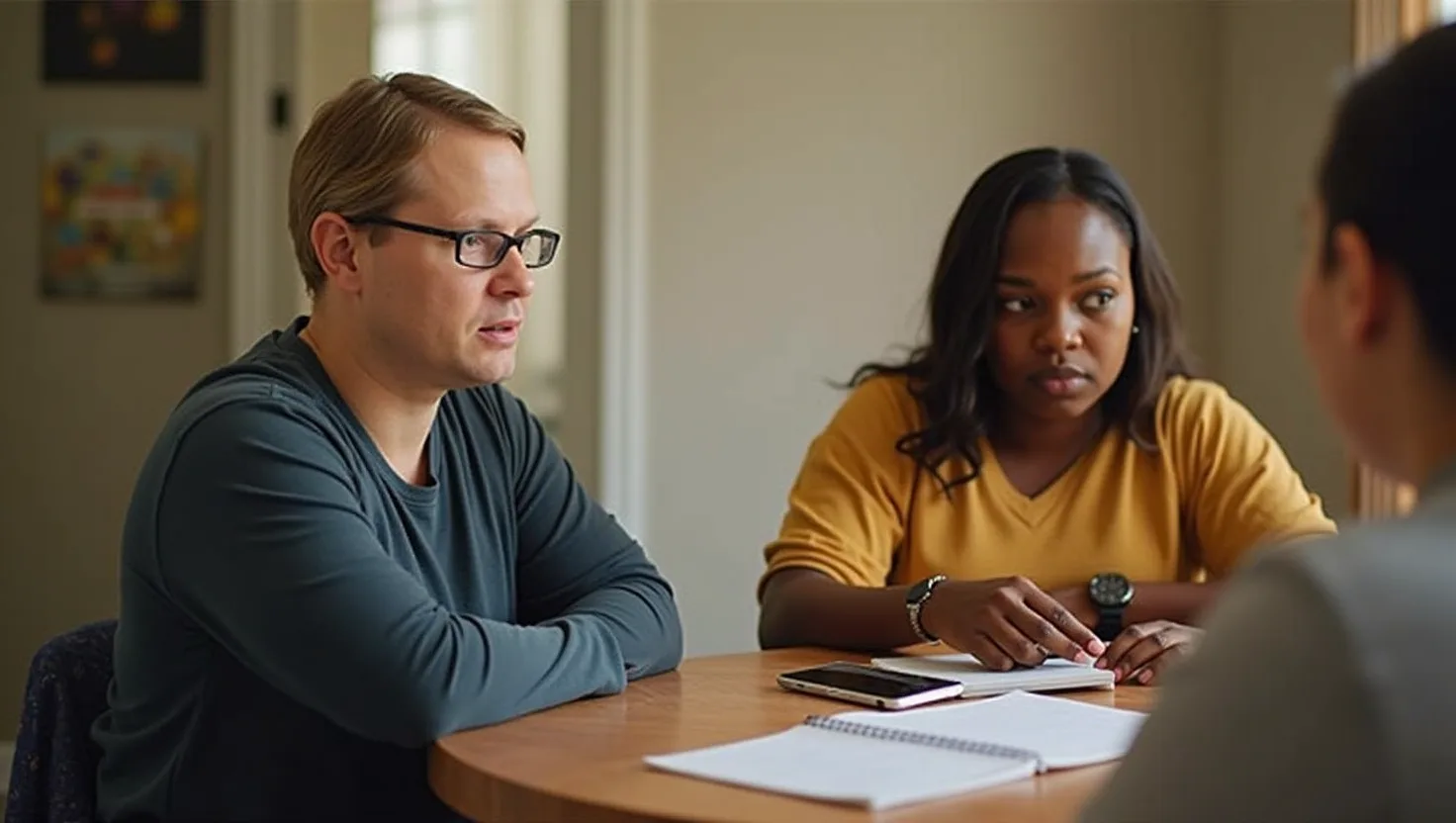
Nearly every library session on this list offers the same basic service: a volunteer or staff member sits down with you and works through a specific problem, free of charge. So the real decision isn’t which library is “best” — it’s whether you want a guaranteed, scheduled slot or a walk-in clinic, and whether your problem is general device trouble or something more specific.
Related reading: The 10 Best Free One-On-One Tech Help in Washington, DC.
If you want a session you can count on, Tysons-Pimmit Regional Library’s one-on-one technology training is the clearest option to book. It’s explicitly scoped to beginner and intermediate skill levels, and you can register either online or by calling the library directly and asking for the technology training extension — which means you’re not just adding your name to a list, you’re reaching a person who can match you with a volunteer suited to what you need help with.
Related reading: Where to Find Free Job and Resume Help in Washington, DC.
A few other branches are worth knowing about if your situation doesn’t fit that mold:
You don’t want to register at all. Herndon Fortnightly Library runs its tech help as first-come, first-served — bring your laptop, phone, or tablet and wait your turn. There’s no sign-up step between you and getting help, which matters if your schedule is unpredictable or you just want to drop by.
You don’t have a device to bring. Most of these sessions assume you’re troubleshooting your own gadget. George Mason Regional Library is the exception: it’s staffed by library employees rather than volunteers, and a laptop is provided so you can practice during the session even if you don’t own one — a better fit if you’re learning from scratch rather than fixing something specific.
Your problem is with library e-content or mobile devices, not documents. Kingstowne and Pohick Regional Libraries both run Tech Help Clinics staffed by library staff and technology volunteers together, and both call out eBooks, eAudiobooks, and mobile devices specifically alongside general computer help. If your issue is borrowing or syncing digital library content, these are more targeted than a general troubleshooting session.
You need help with accounts or social media, not just a device. Sherwood Regional Library’s Walk-In Tech Help is explicit that you should bring your account IDs and passwords, and it covers social media setup alongside computer basics — useful if what’s actually broken is your login or account access rather than the hardware itself.
If none of these match your branch, Chantilly Regional Library, City of Fairfax Regional Library, and Reston Regional Library all run essentially the same general-purpose session: a volunteer helping with everyday basics like setting up email, creating documents, and searching the internet. They’re interchangeable in scope, so pick whichever is closest to you.
Get this week's issue
A short weekly email with the events and local notes already filtered down.
Subscriptions are handled by Kit. You'll confirm your address if Kit asks for it. Free. Unsubscribe in one click.