NOVA This Week
The 10 Best Free One-On-One Tech Help in Washington, DC
Washington, DC has more free one-on-one tech help than anyone realises, scattered across venues and buried in calendars that are a chore to search. These are our picks — the ones that run on a schedule you can plan around, for anyone stuck with a device or an online form.
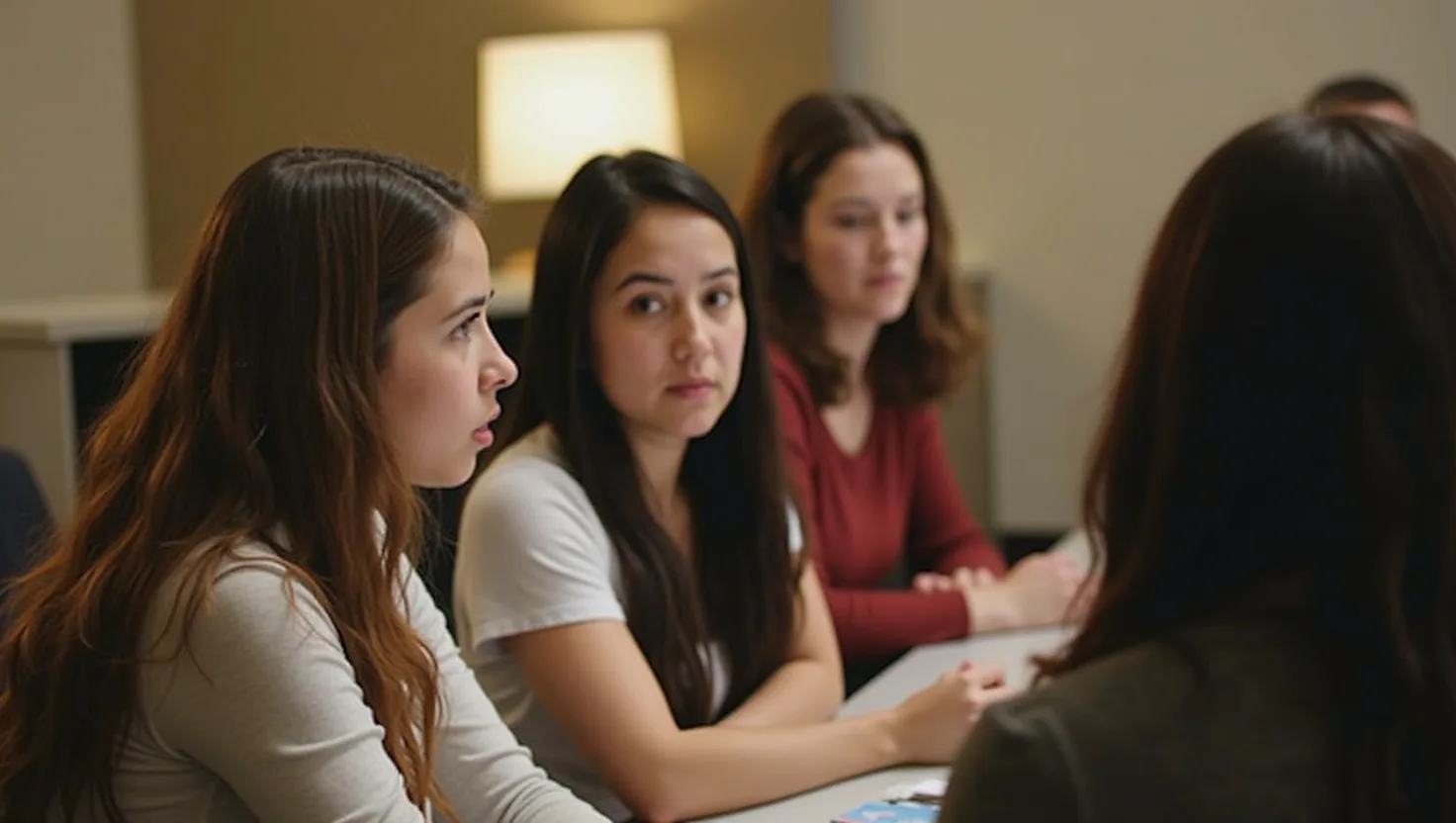
If you want genuine one-on-one tech help — not a class, not a workshop, just someone sitting down with your device and your problem — the clearest match is Takoma Park Neighborhood Library’s Tech Time. It’s the only program in DC’s library system that explicitly distinguishes itself from computer classes, stating outright that it provides one-on-one help rather than group instruction. Details and registration
Related reading: Where to Find Free Job and Resume Help in Washington, DC.
That distinction matters because most of what gets labeled “tech help” across DC’s libraries actually splits into four different formats, and picking the right one depends more on what you need than on which branch is closest.
Related reading: The 10 Best Free One-On-One Tech Help in Fairfax County.
One-on-one troubleshooting for a specific device or task
Several branches run drop-in sessions built around whatever you bring in, rather than a set curriculum. Bellevue (William O. Lockridge) Neighborhood Library’s Tech Help covers basic computer tasks, general smartphone assistance (though not smartphone resets), downloading ebooks and audiobooks through Libby, creating email accounts, and research help — a good fit if your needs span several small, unrelated things. Deanwood Neighborhood Library’s Tech Help casts a wider net still, covering computers, laptops, tablets, and phones alongside printing, copying, scanning, and filling out online forms and applications — useful if your problem involves getting a physical document done, not just understanding a device. Northwest One Neighborhood Library’s Tech Tuesdays and Chevy Chase Neighborhood Library’s Drop-In Tech Help are narrower: both are built around bringing in your own laptop, cellphone, or tablet for hands-on help using it, without the broader form-filling or account-creation scope of Bellevue or Deanwood.
A structured class instead of drop-in help
If you’d rather follow a lesson than describe a problem, Capitol View Neighborhood Library’s Tech 101 is a workshop format, run in a computer lab, that walks through basic skills like creating an email account, changing a password, and navigating online applications. It’s taught by DC’s Office of the Chief Technology Officer as a set curriculum rather than one-on-one troubleshooting, so it suits someone starting from zero more than someone with one specific device issue.
Help aimed specifically at job applications
Two programs are built around job-seeking rather than general tech literacy. Capitol View also runs a session covering creating an email account, building and typing a resume, setting up a job board account, completing online job applications, and taking the NorthStar Digital Literacy Assessment — a fuller pipeline than a typical tech-help drop-in. Martin Luther King Jr. Memorial Library’s Job Seekers Clinic runs in the library’s computer lab with seating limited to eight participants at a time, filled first-come, first-served. Choose one of these over a general tech-help session if the goal is specifically getting through job applications rather than learning a device or piece of software.
A multi-week path to an actual certification
Martin Luther King Jr. Memorial Library also runs the IC3-GS6 Digital Literacy Certification Series, a nine-week series of in-person classes that includes the opportunity to sit for the Internet Core Competency Certification exam at no cost. This is the only option here that produces a credential rather than solving an immediate problem, so it’s worth the larger time commitment only if having a recognized digital literacy certification is itself the goal.
Get this week's issue
A short weekly email with the events and local notes already filtered down.
Subscriptions are handled by Kit. You'll confirm your address if Kit asks for it. Free. Unsubscribe in one click.